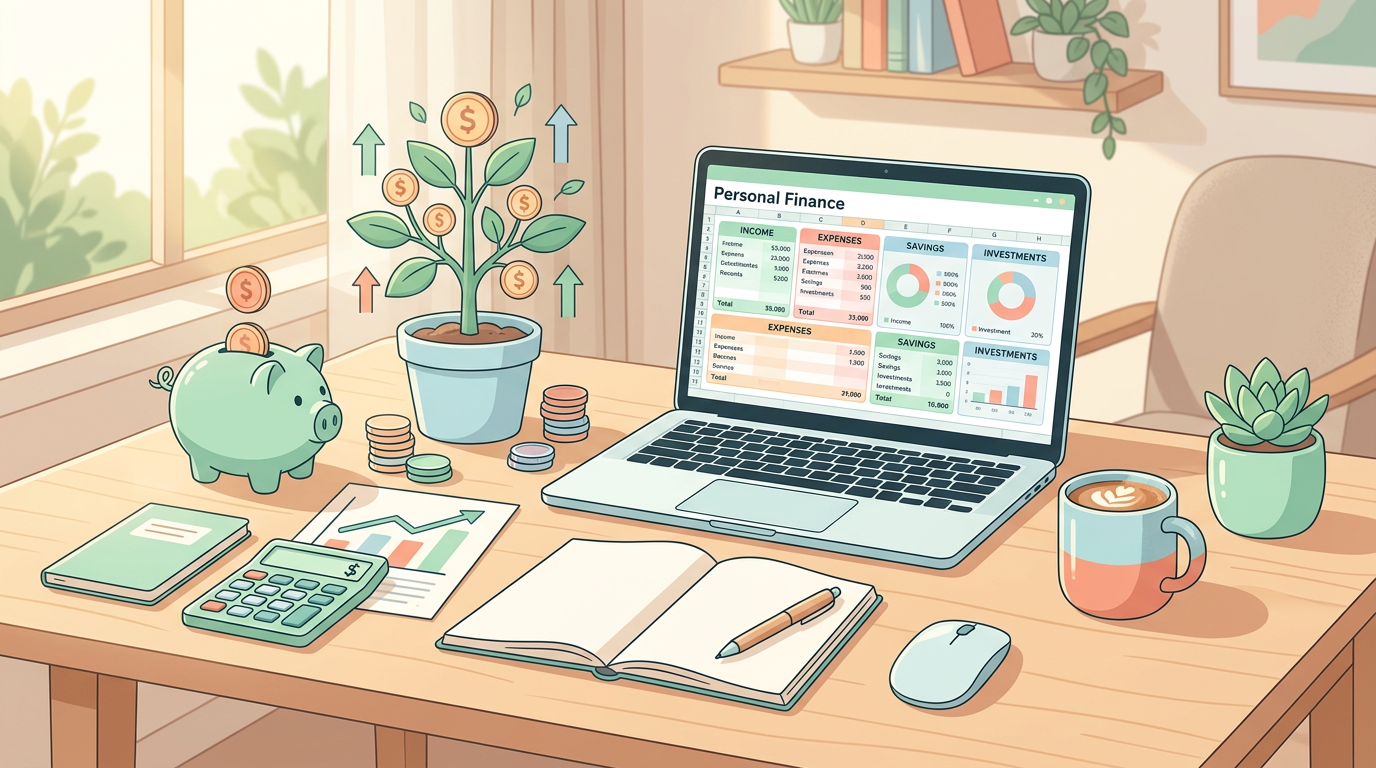
Getting paid every two weeks is one of the most common payroll structures in the United States, yet it is also one of the hardest to budget around. Because most of our major bills—like rent, mortgages, car payments, and utilities—are billed on a strict monthly cycle, matching your biweekly income with these monthly outflows can feel like a constant game of financial tetris. If you have ever felt “broke” during the first week of the month and “rich” during the last week, you are not alone.
The secret to breaking this stressful cycle and taking control of your hard-earned money lies in using a structured tracking system. A customizable biweekly paycheck budget spreadsheet template is the ultimate tool to align your cash flow, eliminate paycheck-to-paycheck living, and systematically build wealth. By managing your money on a paycheck-by-paycheck basis rather than waiting for the end of the month, you can ensure that every single dollar has a job to do.
In this comprehensive guide, we will break down exactly how a biweekly paycheck budget spreadsheet template works, why it is vastly superior to traditional monthly budgets for biweekly earners, and how you can build or customize your own today. We will also share practical strategies to help you grow your savings, optimize your investments, and achieve true financial freedom.
Why a Biweekly Paycheck Budget Spreadsheet Template is a Game-Changer
When you get paid biweekly, you receive 26 paychecks over the course of a calendar year. However, because there are 12 months in a year, most months will only contain exactly two paychecks (totaling 24 paychecks). This leaves two “magic” months every year where you receive three paychecks instead of two. If you attempt to use a standard monthly budget, you will constantly struggle to account for those extra two paychecks, often letting them slip through your fingers without a clear plan.
A dedicated biweekly paycheck budget spreadsheet template solves this problem by shifting your focus from the calendar month to your actual pay cycle. Instead of asking “How much can I spend this month?” you ask “How will I allocate this specific paycheck?” This method, often referred to as paycheck budgeting, gives you a highly granular view of your cash flow. It prevents you from overspending early in the month because you can clearly see which bills must be covered by each specific pay deposit.
Let us look at a concrete example. Imagine your net take-home pay is $2,500 every two weeks. In a typical two-paycheck month, your total budgeted income is $5,000. If your rent is $1,600 and is due on the first of the month, paying it entirely out of your first paycheck leaves you with only $900 for all other expenses, savings, and debt payments for those two weeks. Meanwhile, your second paycheck of $2,500 feels incredibly abundant because the rent is already paid. By using a biweekly budget template, you can easily split that $1,600 rent payment into two $800 allocations—holding back $800 from your mid-month paycheck to pair with the $800 from your start-of-month paycheck. This balances your cash flow and keeps your stress levels low.
Practical Tips to Optimize Your Biweekly Budget
Map Out Your Fixed Expenses by Pay Period
To make your biweekly paycheck budget spreadsheet template work seamlessly, you must first map out exactly when your fixed bills are due. Write down all of your recurring monthly bills—such as your mortgage, car payment, student loans, insurance, and utilities—alongside their respective due dates. Next, divide your month into two halves based on your pay dates (e.g., Paycheck A and Paycheck B). Assign each bill to the paycheck that immediately precedes its due date. If you find that Paycheck A is heavily overloaded with bills while Paycheck B has almost none, contact your service providers or lenders. Many utility companies, credit card issuers, and even auto lenders will gladly let you change your payment due dates to help you balance your biweekly cycles.
Automate Your Savings and Investments
The fastest way to build wealth and achieve financial freedom is to pay yourself first. Do not wait to see what is left over at the end of two weeks to save; instead, automate your savings directly from your paycheck. Set up your biweekly paycheck budget spreadsheet template to allocate a specific percentage—ideally 10% to 20%—of your net income to your financial goals the moment you get paid. You can split this allocation between your employer-sponsored 401k, a Roth IRA, and a high-yield savings account (HYSA) boasting a competitive 4% to 5% APY. Treating your savings as an unskippable fixed bill ensures that your money will grow consistently over time without relying on willpower.
Leverage the “Three-Paycheck Month” Windfall
As mentioned, twice a year you will experience a month with three paychecks. Because your regular monthly lifestyle and fixed bills are already covered by the standard two paychecks, that third paycheck is a massive financial windfall. Rather than spending it impulsively, pre-allocate this extra money in your biweekly budget template. This is the perfect opportunity to make a lump-sum payment toward high-interest debt, max out your Roth IRA, fund your Health Savings Account (HSA), or build up your emergency fund. It is also an excellent way to prepare for seasonal expenses. For example, if your three-paycheck month falls in the autumn, you can use those funds to get ahead on your holiday shopping using a structured guide like our Black Friday Shopping Budget Checklist: Save Money & Build Wealth.
Maintain a Cash Buffer in Your Checking Account
Even with a perfect biweekly paycheck budget spreadsheet template, timing mismatches can still happen. A bill might post a day early, or a paycheck deposit might be delayed by a holiday weekend. To protect yourself from overdraft fees and unnecessary stress, build a cash buffer of $500 to $1,000 in your primary checking account. This buffer acts as a shock absorber. It is not money meant for spending; rather, it is a permanent safety net that ensures your account balance never hits zero, allowing your automated bill payments and transfers to process smoothly every single month.
Common Pitfalls of Biweekly Budgeting and How to Avoid Them
Even motivated wealth-builders can hit roadblocks when transitioning to a biweekly budget. Understanding these common pitfalls will help you stay on track and keep your financial momentum strong.
- Treating the Third Paycheck as “Free Money”: It is incredibly easy to view the extra paycheck as a bonus to be spent on dining out, vacations, or luxury items. While it is perfectly fine to allocate a small percentage (perhaps 10%) to celebrate, the remaining 90% should be aggressively funneled into wealth-building vehicles. Write down your plan for these magic paychecks at the start of the year so you are not tempted to blow them when they land in your account.
- Forgetting Semi-Annual and Annual Bills: Many people design a beautiful biweekly budget but completely forget about non-monthly expenses. Think of car insurance premiums, annual subscription services, holiday gifts, and tax preparation fees. To prevent these from destroying your budget, calculate the total annual cost of these irregular bills, divide that number by 26, and set aside that exact amount from every single paycheck into a dedicated “sinking fund” within your high-yield savings account.
- Overlooking Variable Costs: It is easy to budget for a fixed $1,500 rent payment, but much harder to predict variable costs like groceries and gas. If you set unrealistic expectations, you will quickly become discouraged. Be honest with your spending habits. If you are budgeting for a family, check out our guide on establishing a Realistic Grocery Budget for Family of Four: Ultimate Savings Guide to ensure your variable categories are grounded in reality.
Step-by-Step Guide to Creating Your Biweekly Budget Spreadsheet
Ready to build your own biweekly paycheck budget spreadsheet template? Follow this simple, actionable step-by-step blueprint using Google Sheets or Microsoft Excel to set up a zero-based budget that accounts for every dollar.
Step 1: Document Your Net Take-Home Pay. At the very top of your spreadsheet, create a cell for your net income. This is the actual amount deposited into your bank account after taxes, health insurance, and 401k contributions have been deducted. If you have side hustles or variable freelance income, estimate a conservative baseline or create a separate row to track extra earnings as they arrive.
Step 2: List Your Pay Dates for the Next 90 Days. Because Pinterest users and smart financial planners always look 45 to 90 days ahead, map out your specific pay dates for the upcoming quarter. This is especially vital during the late autumn and holiday seasons when travel, gifting, and end-of-year expenses can easily pile up if they are not tracked week-by-week.
Step 3: Categorize Your Expenses into Paycheck Cycles. Create two columns next to your income: “Paycheck A Expenses” and “Paycheck B Expenses.” Group your fixed bills based on when they are due. For variable expenses like groceries, household supplies, and entertainment, divide your monthly allowance in half and assign one half to each paycheck cycle.
Step 4: Build Your Formula Columns. To make your spreadsheet dynamic, use simple formulas. Create columns for:
• Income: The starting balance for the pay period.
• Fixed Bills: Summed up using the =SUM() formula.
• Variable Spending: Monitored regularly throughout the two weeks.
• Savings & Debt: Money sent directly to your HYSA, Roth IRA, or extra credit card payments.
• Remaining Balance: Use the formula =Income - Fixed - Variable - Savings. In a zero-based budget, this final cell should always equal exactly $0, meaning every penny has been intentionally allocated.
Step 5: Track, Review, and Adjust. A budget is not a static document; it is a living financial roadmap. Spend 10 minutes every Sunday morning updating your spreadsheet with your actual transactions. If you overspent on dining out during week one, adjust your week two variable categories to stay balanced before your next paycheck arrives.
Recommended Financial Tools and Resources
While building a custom spreadsheet from scratch is highly rewarding, you do not have to do it completely alone. There are several fantastic tools and resources available to help you streamline your biweekly budgeting process and maximize your savings.
For your spreadsheet software, Google Sheets is highly recommended because it is free, cloud-based, and easily accessible from your smartphone while you are out shopping. If you prefer a more robust, offline desktop experience, Microsoft Excel offers advanced charting tools to help you visualize your net worth growth over time.
To park your savings and sinking funds, look for a reputable online bank offering a High-Yield Savings Account (HYSA). Traditional brick-and-mortar banks often pay a measly 0.01% interest, whereas online HYSAs frequently offer interest rates 400 times higher. This simple switch allows your money to grow passively while remaining completely liquid and safe.
Finally, do not overlook your employer-sponsored tax-advantaged accounts. Beyond your standard 401k, make sure you are fully utilizing your Flexible Spending Account (FSA) or Health Savings Account (HSA). If you have an FSA, remember that these funds operate on a “use-it-or-lose-it” annual basis. As you plan your budget toward the end of the year, review our list of End of Year FSA Spending Ideas: How to Save Your Money to ensure you do not let your tax-free dollars go to waste.
Conclusion
Mastering your money does not require a massive salary or complex financial degrees. It simply requires a clear, intentional system that aligns your income with your lifestyle goals. By implementing a customized biweekly paycheck budget spreadsheet template, you can eliminate the stress of monthly bill timing, optimize your savings rate, and make those exciting three-paycheck months work heavily in your favor.
Do not wait for the start of a new year or a new month to take control of your financial destiny. Open up Google Sheets or Excel today, map out your very next paycheck, and assign every single dollar a purposeful job. Your journey toward financial freedom, reduced stress, and long-term wealth building starts with the very next pay deposit. Grab your template, set up your automations, and watch your net worth grow!